



Step 1: Log in to our Client Portal
- Go to our our Client Portal.
- Log into your account. (If you’ve forgotten your password, you can reset it there.)
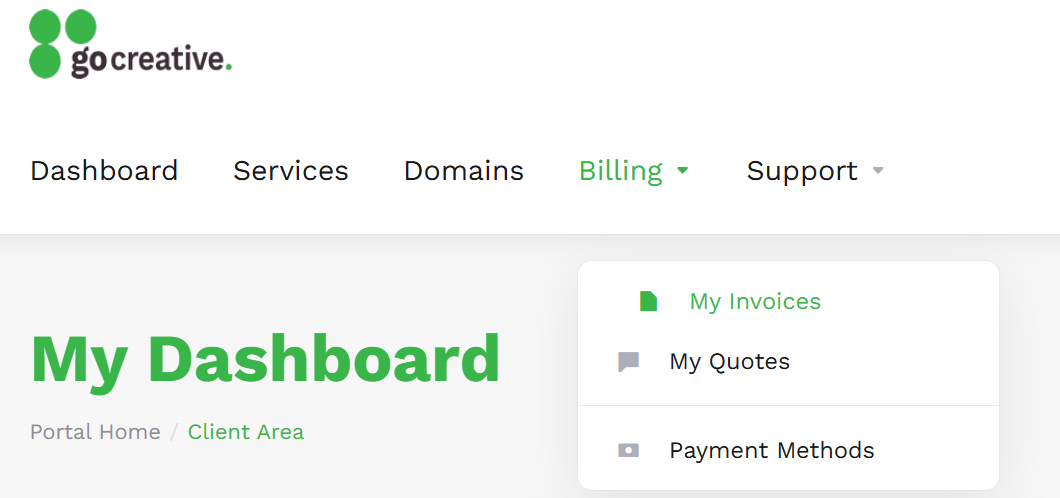
- In the top menu, click on “Billing” then “My Invoices”.
Step 2: Set up Direct Debit
- Click on an unpaid invoice.
- In the green “Payment Method” box, click on the drop-down to select “Credit Card or Direct Debit”.
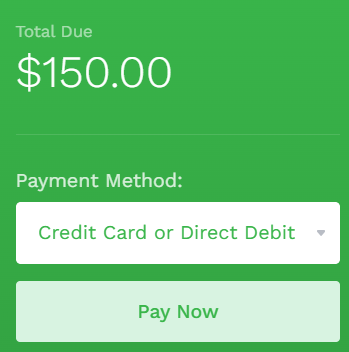
- Click on “Pay Now”.
- Scroll down to the bottom of the “Payment Details” screen.
- Click on “AU Direct Debit”.
- Enter your bank details:
- BSB number (e.g. 062000)
- Account number (e.g. 12345678)
- Email address for receipts
- Your full name
- Click on “Make Payment”.